Setup Guides
Step-by-step instructions to get your IPTV subscription running on any device. Choose your platform below and start streaming in minutes.
Samsung & LG Smart TV
Set up IPTV on Samsung Smart Hub or LG Content Store using IPTV Smarters Pro and compatible apps.
Android Devices
Install IPTV on Android phones, tablets, Android TV, and TV boxes from Google Play Store.
iOS (iPhone & iPad)
Stream IPTV on your iPhone or iPad using IPTV Smarters Pro, GSE IPTV, or other iOS apps.
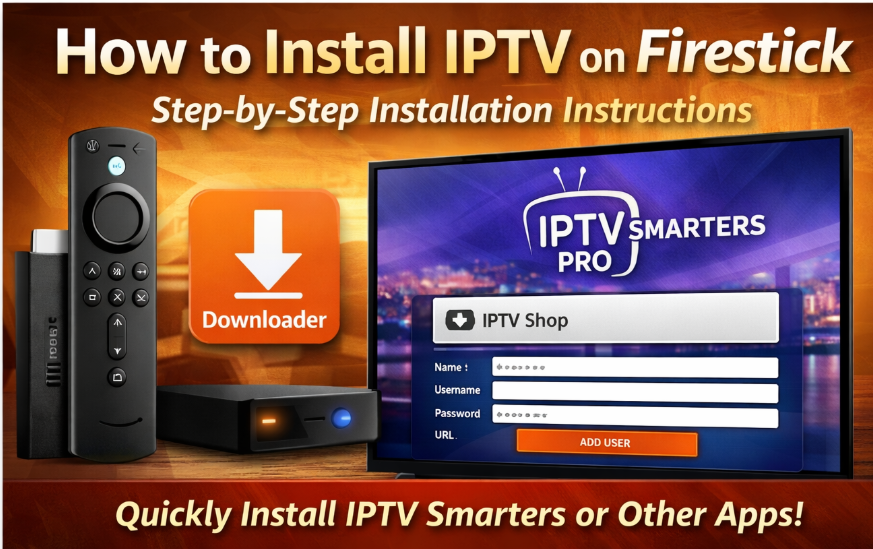
Amazon Firestick
Install IPTV Smarters on Firestick using the Downloader app. Includes video tutorial link.
MAG Device
Configure MAG set-top boxes with portal settings for stable, high-quality IPTV streaming.
STB Emulator
Emulate MAG boxes on Android devices using STB Emulator app with MAC address activation.
PC & Mac (VLC)
Watch IPTV on Windows, macOS, or Linux computers using VLC Media Player and M3U playlists.
Need Help Getting Started?
Can't find your device or running into issues? Our support team is available 24/7 to help you get set up and streaming. We'll guide you through every step of the process.
Frequently Asked Questions
Quick answers to common setup questions
Which app should I use for my device?
We recommend IPTV Smarters Pro for most devices as it offers the best compatibility with Xtream Codes API. However, each guide lists alternative apps that work equally well with our service.
What is Xtream Codes API?
Xtream Codes API (XC API) is the recommended login method that automatically organizes your channels, movies, and series into an easy-to-navigate interface. It's supported by most modern IPTV applications.
How long does setup take?
Most setups take 5-10 minutes. The exact time depends on your device and internet speed. Follow our step-by-step guides for the fastest setup experience.
What internet speed do I need?
For SD quality, we recommend at least 5 Mbps. For HD streaming, 10-15 Mbps is ideal. For 4K content, you'll need 25+ Mbps for the best experience.
Can I use the same subscription on multiple devices?
Yes! Your subscription can be used across different devices. However, the number of simultaneous connections depends on your subscription plan. Check your plan details or contact support for more information.
Ready to Get Started?
Choose your preferred subscription plan and start enjoying thousands of channels and VOD content in stunning quality.